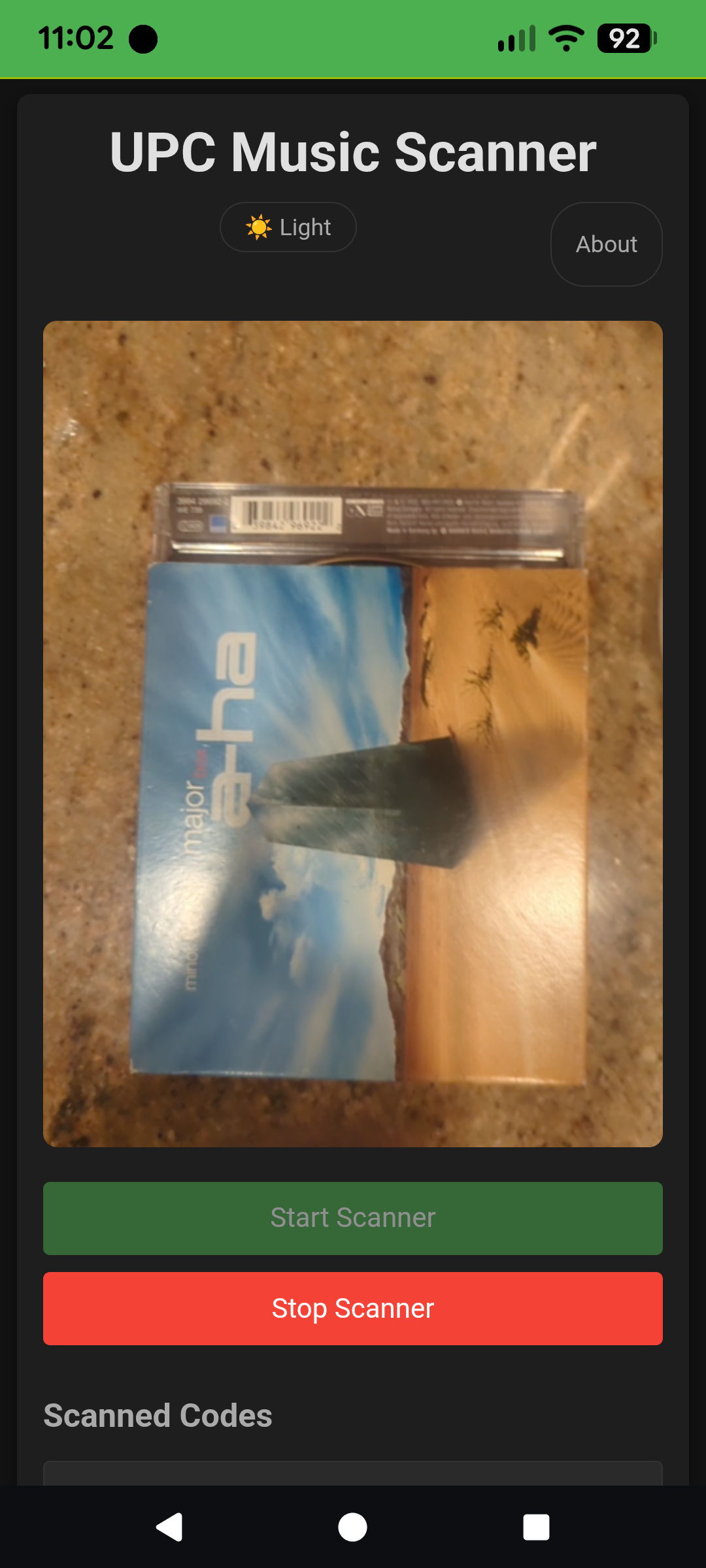
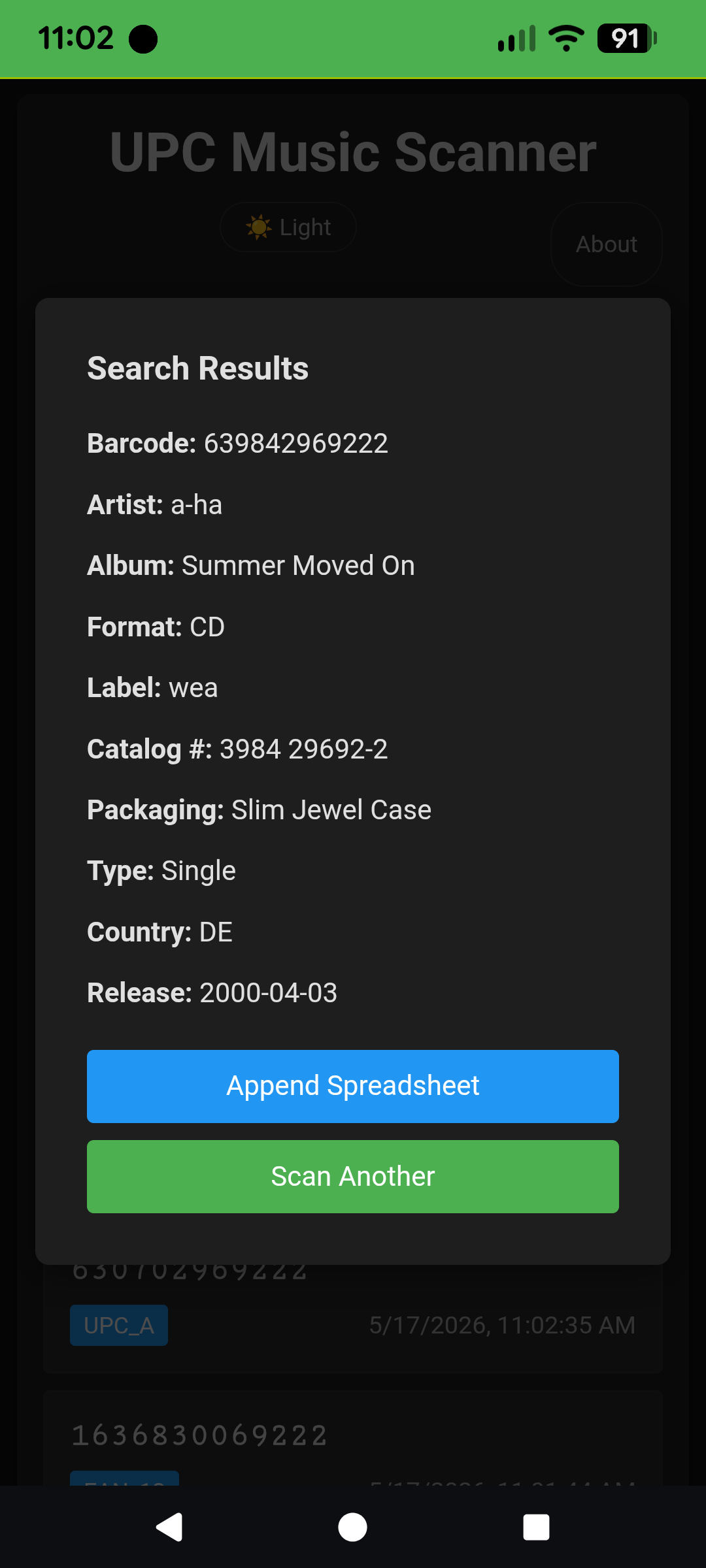
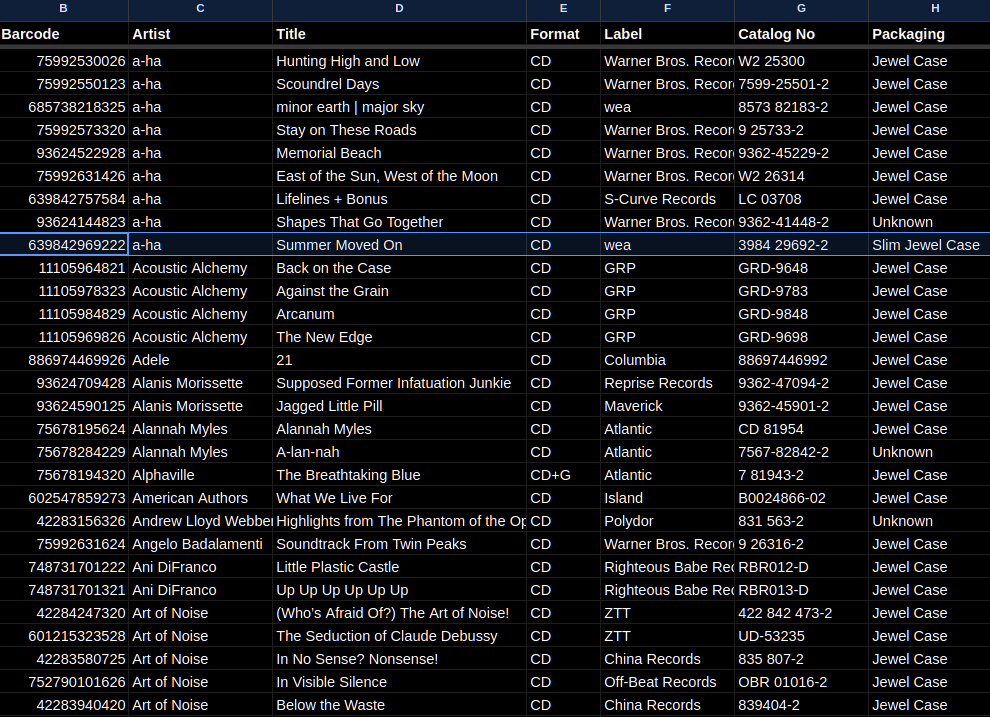
Point your phone at a barcode on a CD or record. Get artist, title, label, and format โ automatically logged to a Google Sheet you own. A tool for music collectors who want their physical collection catalogued without typing anything.
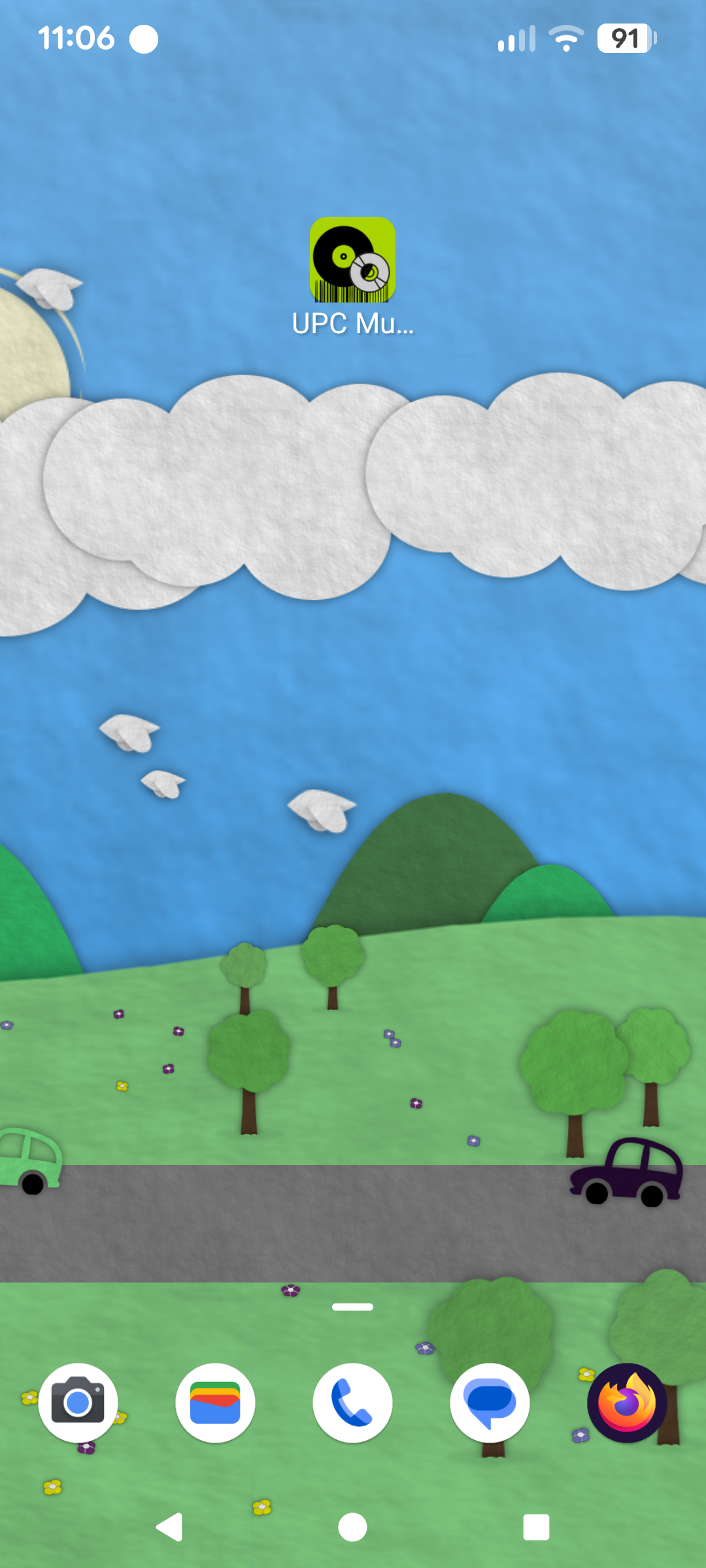
Add to your Android home screen for a native app feel โ no app store needed.
Nothing goes to a server you don't control. Data lives in a Google Sheet on your own Drive.
A custom Sheets menu can backfill rows where MusicBrainz data is incomplete.
No framework, no build step, no npm. A single HTML file, a JS file, and a CSS file.
The app runs in your browser and can be installed to your Android home screen. Before you can use it you'll need to connect it to a Google Sheet โ setup is being simplified and will get easier soon.
Set up a spreadsheet on Google Drive with the column headers listed in the README. This is where your scanned items will land.
Add the provided Apps Script to your sheet via Extensions โ Apps Script, deploy it as a web app, and copy your Deployment ID.
Visit mediascan.chrisschumann.dev in Chrome on Android. On first run, enter your Deployment ID. Requires Chrome โ BarcodeDetector is not available on iOS or Firefox.
Tap the browser menu (three dots) and select "Add to Home screen" for a native app-like experience that opens without the browser chrome.
Uses the browser's native BarcodeDetector API โ no third-party scanning library. The Google Sheets integration runs via Apps Script deployed from within your spreadsheet. The optional Discogs want-list lookup is a separate Apps Script function in the same sheet โ it never touches the PWA itself.